Turn A Chromebook or Android Phone into a web server with Termux
Posted by tyapratidings on August 1, 2026
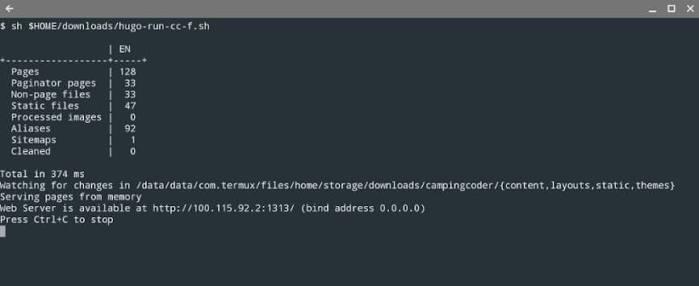
Some people have Chromebooks and android phones that are lying around. You want to do something with them, but you don’t know what. Well here is an idea: why don’t you take your device and turn it into a local web server that you can run a website from?
First, you need to go to an app store like the Google Play Store or F-Droid and download the application named Termux. Termux is an application that allows you to run a Linux-like environment on Android, including an environment necessary to create a web server.
The, you need to run the following update in Termux:
pkg update && pkg upgradeAfter that, you run the following command to give Termux storage access:
termux-setup-storageThis command not only gives Termux storage access – it also creates ~/storage as a storage location where you can have shared folders (~/storage/shared/ or shortcuts like ~/storage/downloads/) that you can put files in and copy said files into the Termux web server environment.
Now, if you want to create a basic web server, you run the command:
pkg install apache2Now you should have a server running locally on the 8080 port. Go to a browser that does not require or need to connect to a https secure website like Brave browser and you should see this message for your basic web server:
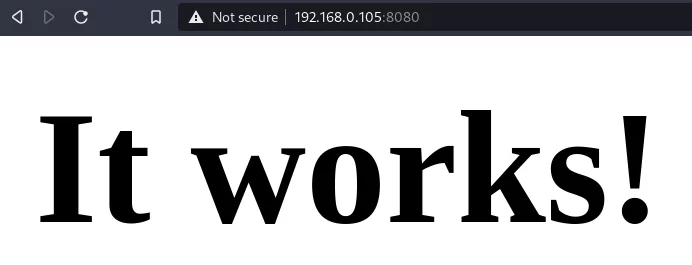
This is a basic index.html file to let you know that this ‘server’ is working, so if you want to edit the file/code so it can show something else, you can do this:
$ vi $PREFIX/share/apache2/default-site/htdocs/index.htmlFiled under Technology